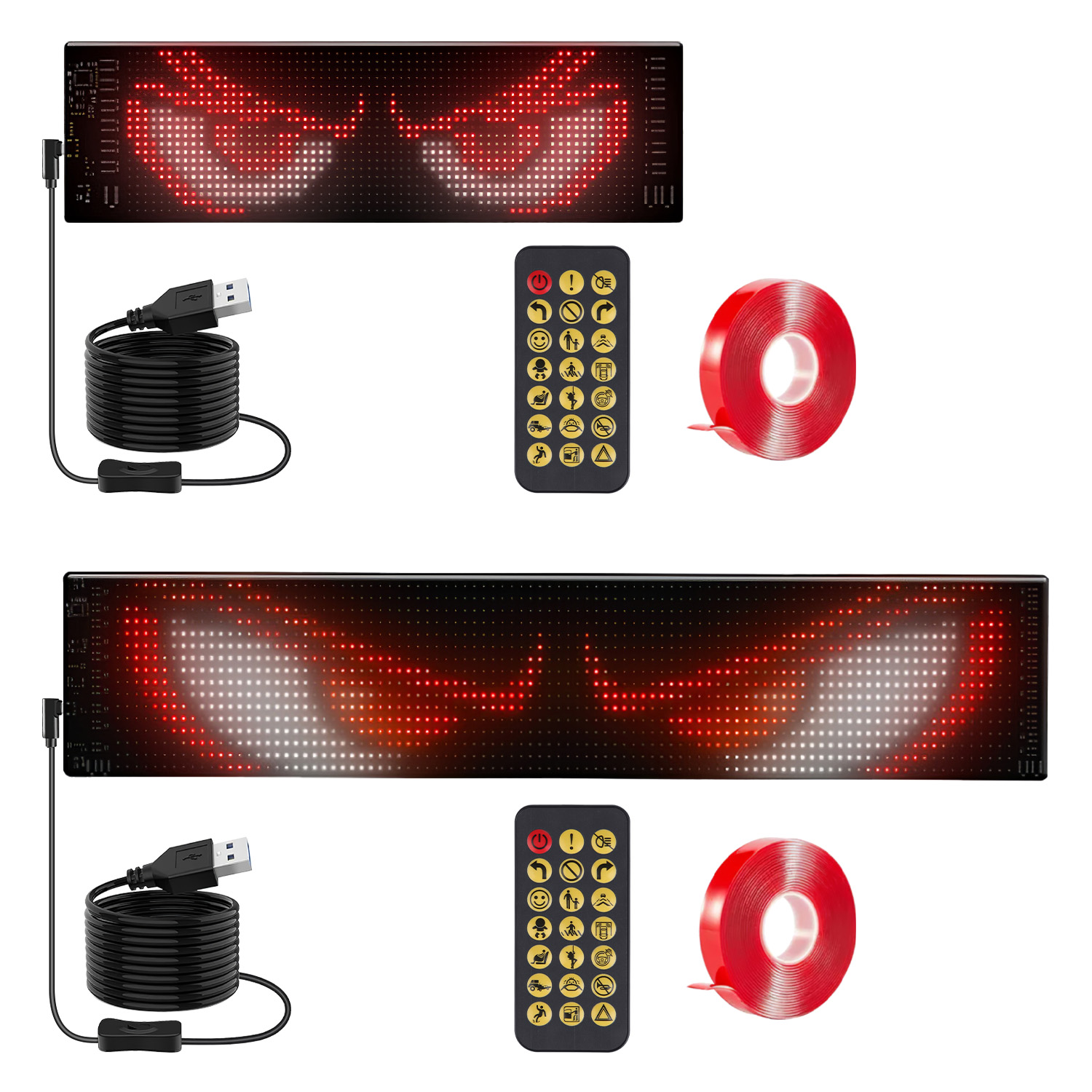
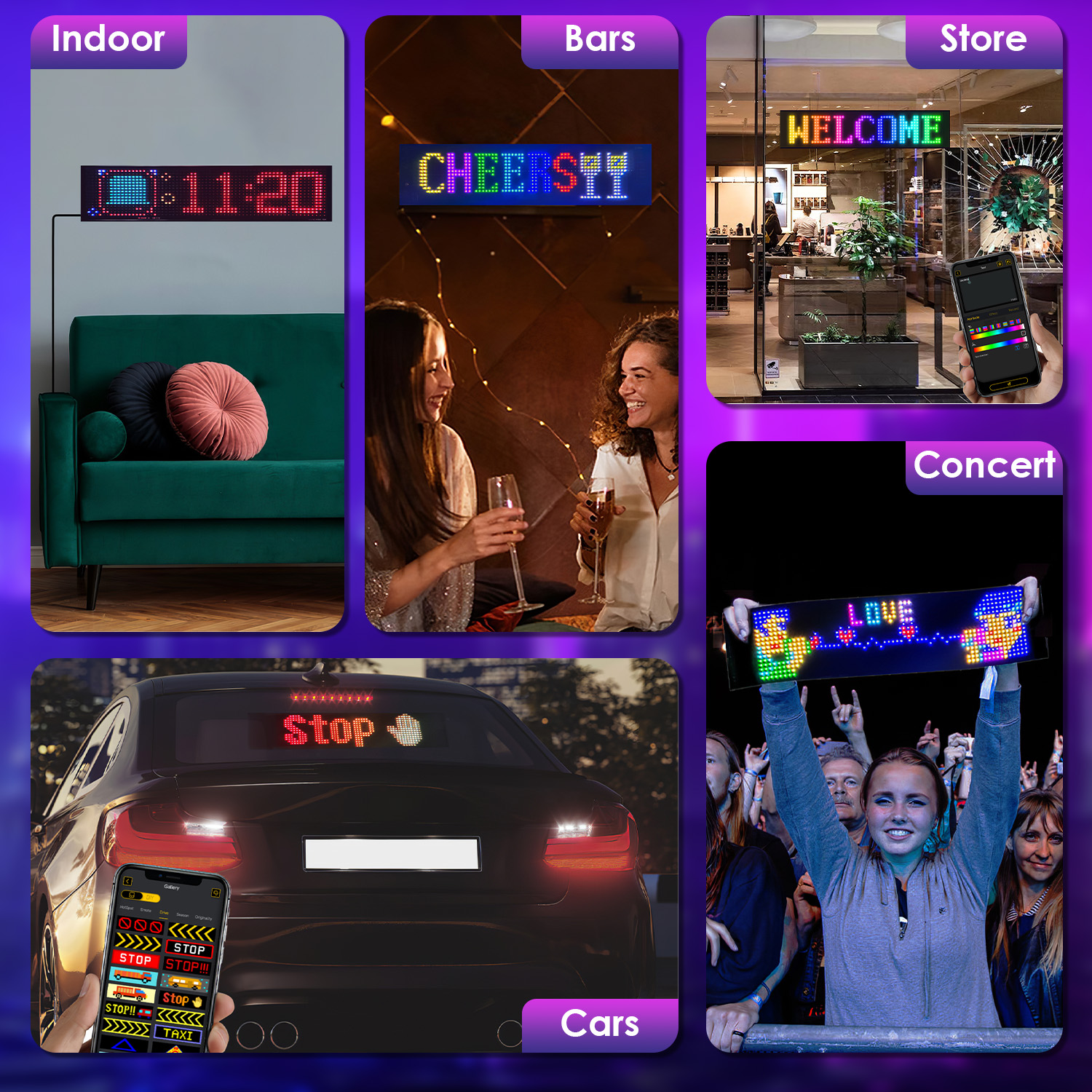
2Pack 16x96 Matrix Devil Eyes Lights For Car Ultra-thin Programmable
From $103.99
Free shipping. Delivered in 10-25 business days.
- Shipping included
- Secure payment by Stripe
- Tracking on every order
- Refund policy
From $103.99
Free shipping. Delivered in 10-25 business days.
Looking for a ultra thin? 2Pack 16x96 Matrix Devil Eyes Lights For Car Ultra-thin Programmable is delivered to your door with free shipping and tracking on every order. Choose your options, then add it to your cart or buy it now.
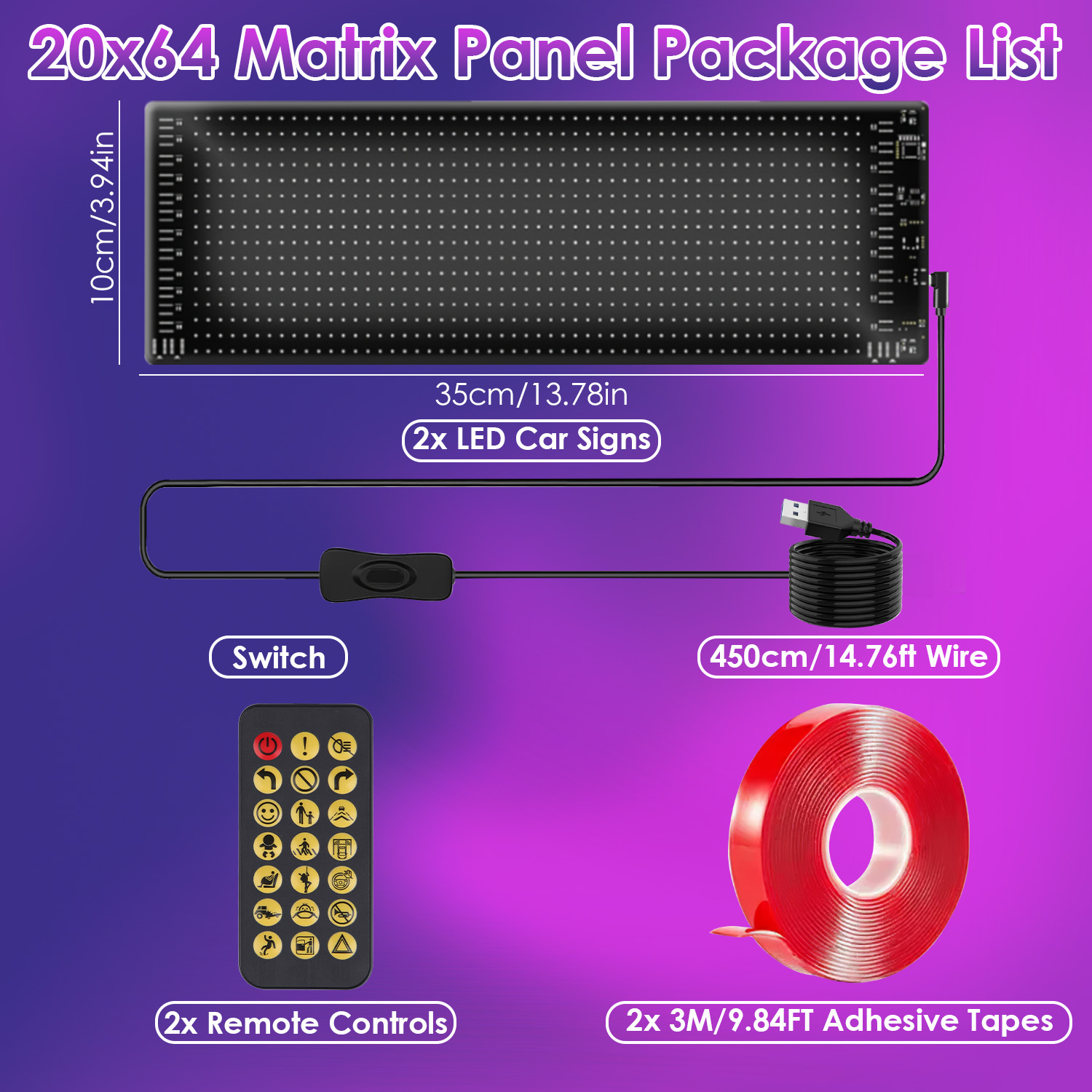
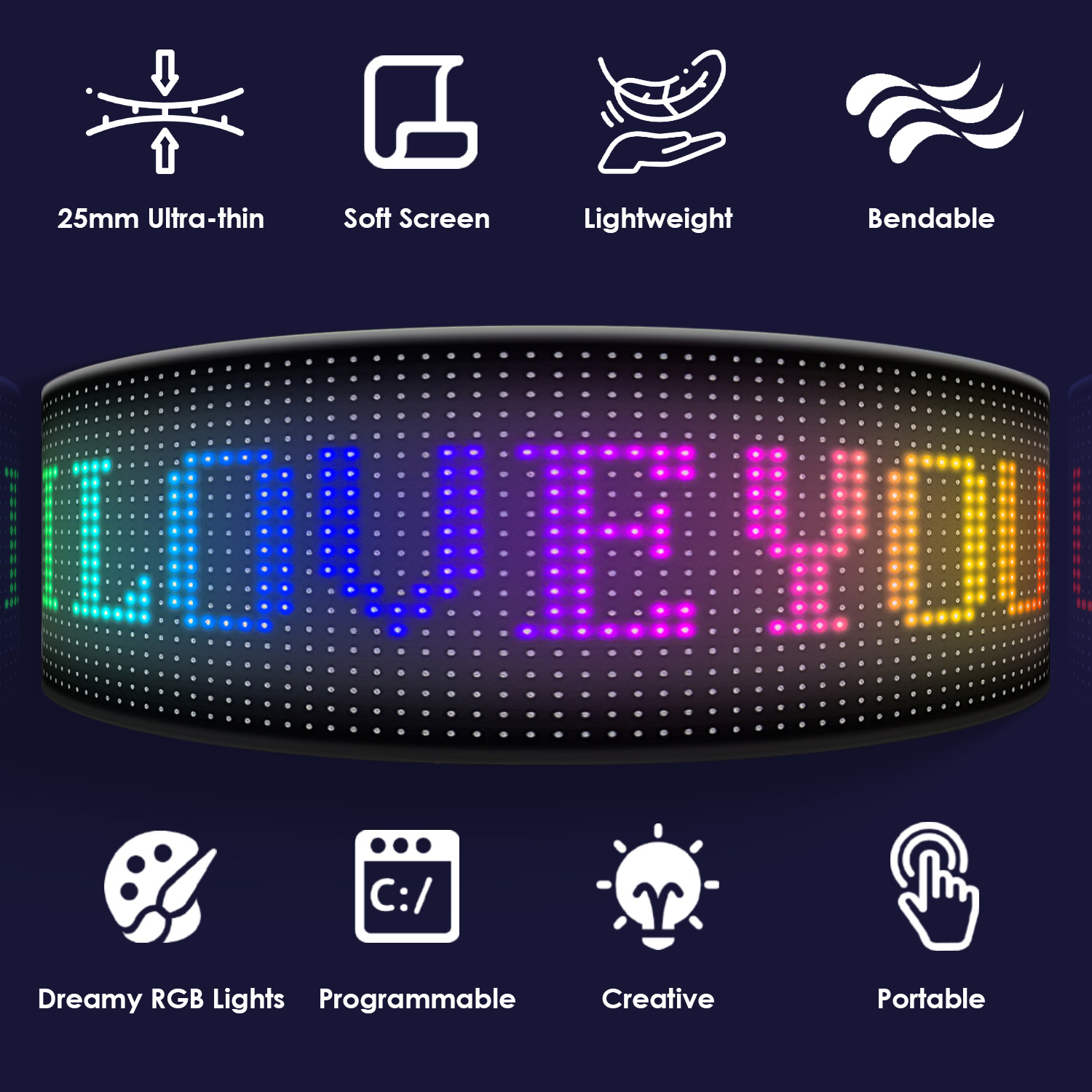
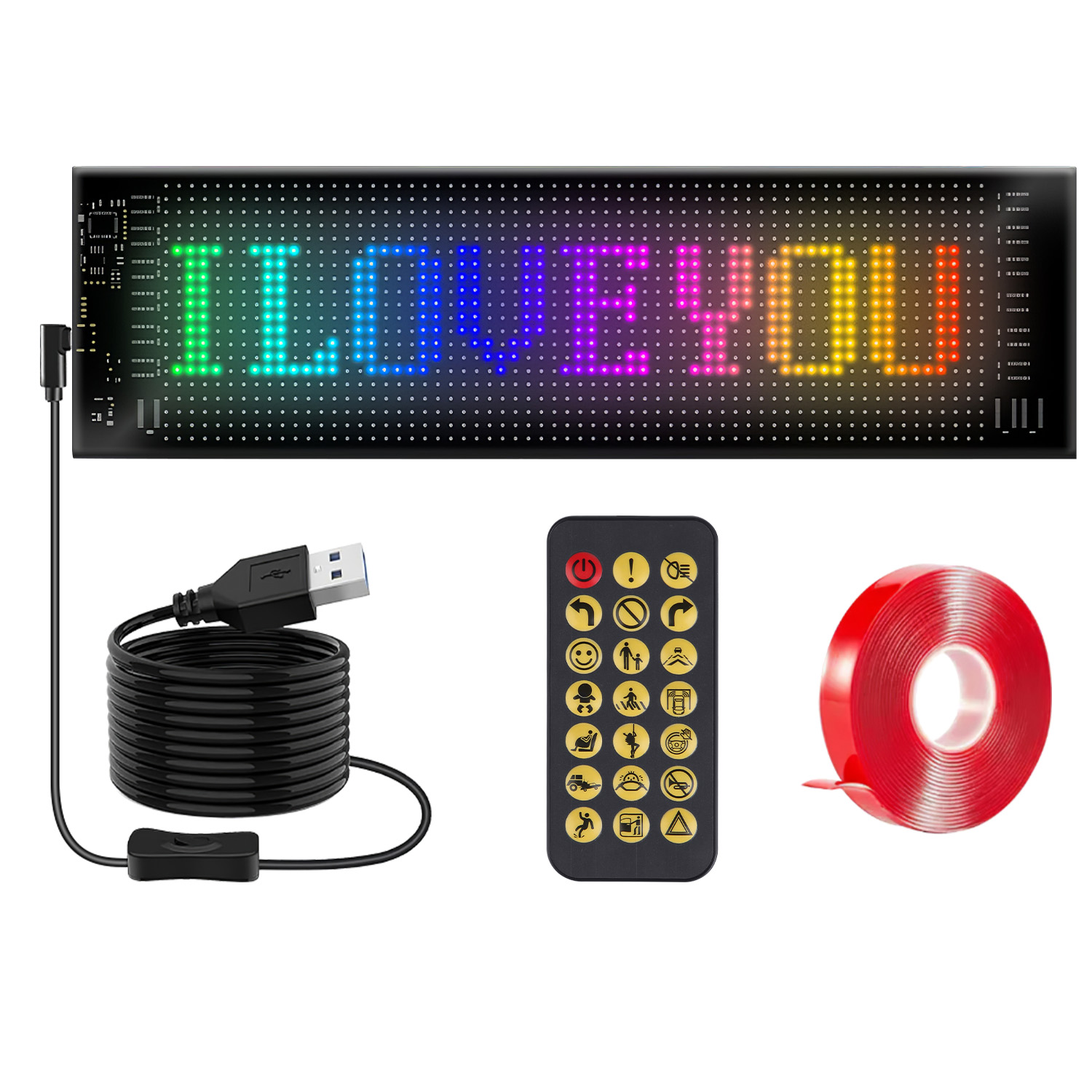
*Features*: *Colorful Lighting*:Our programmable LED car sign has 16x96 matrix of 1536 RGB dreamy beads/20x64 matrix of 1280 RGB dreamy beads,creating stunning and attractive lighting effects.
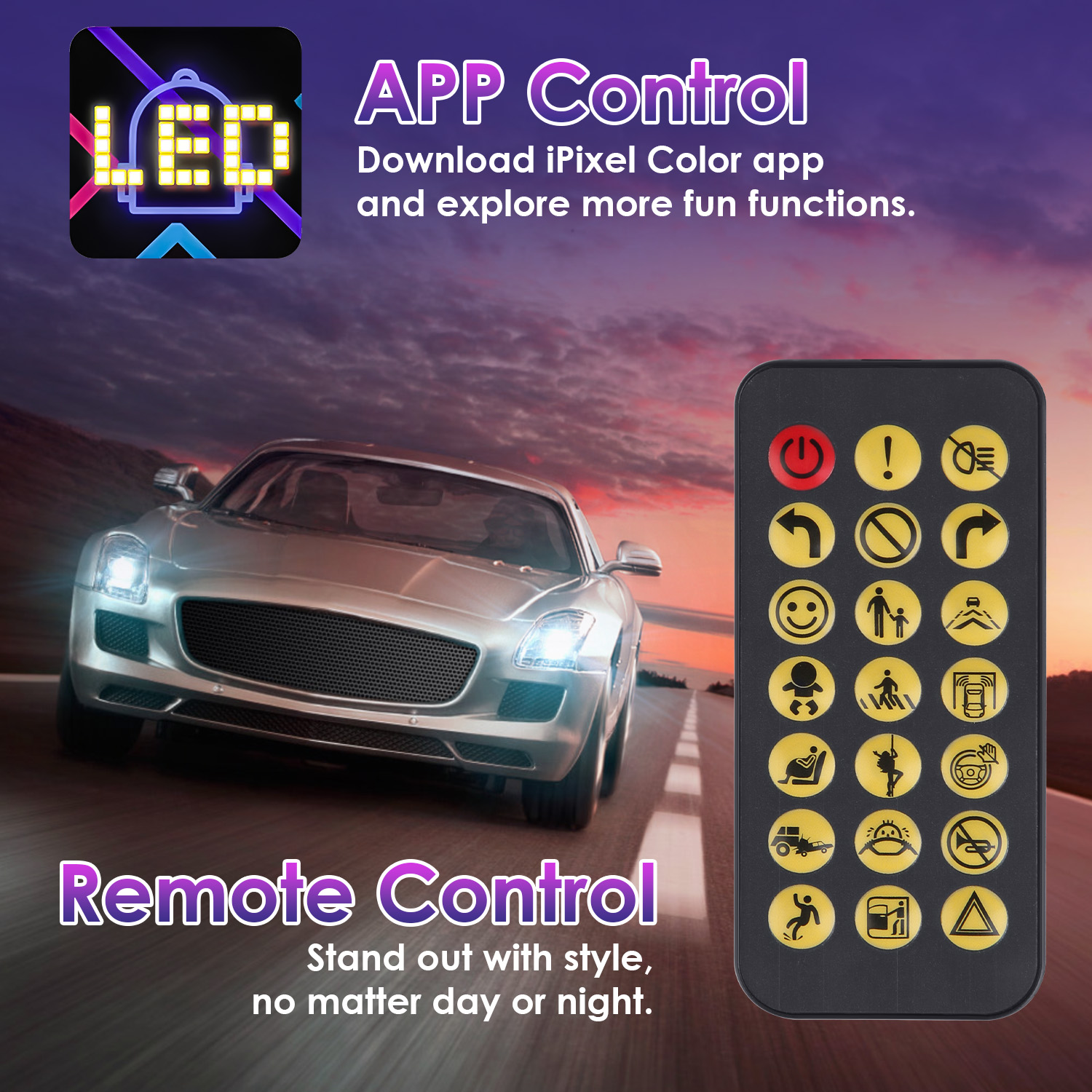
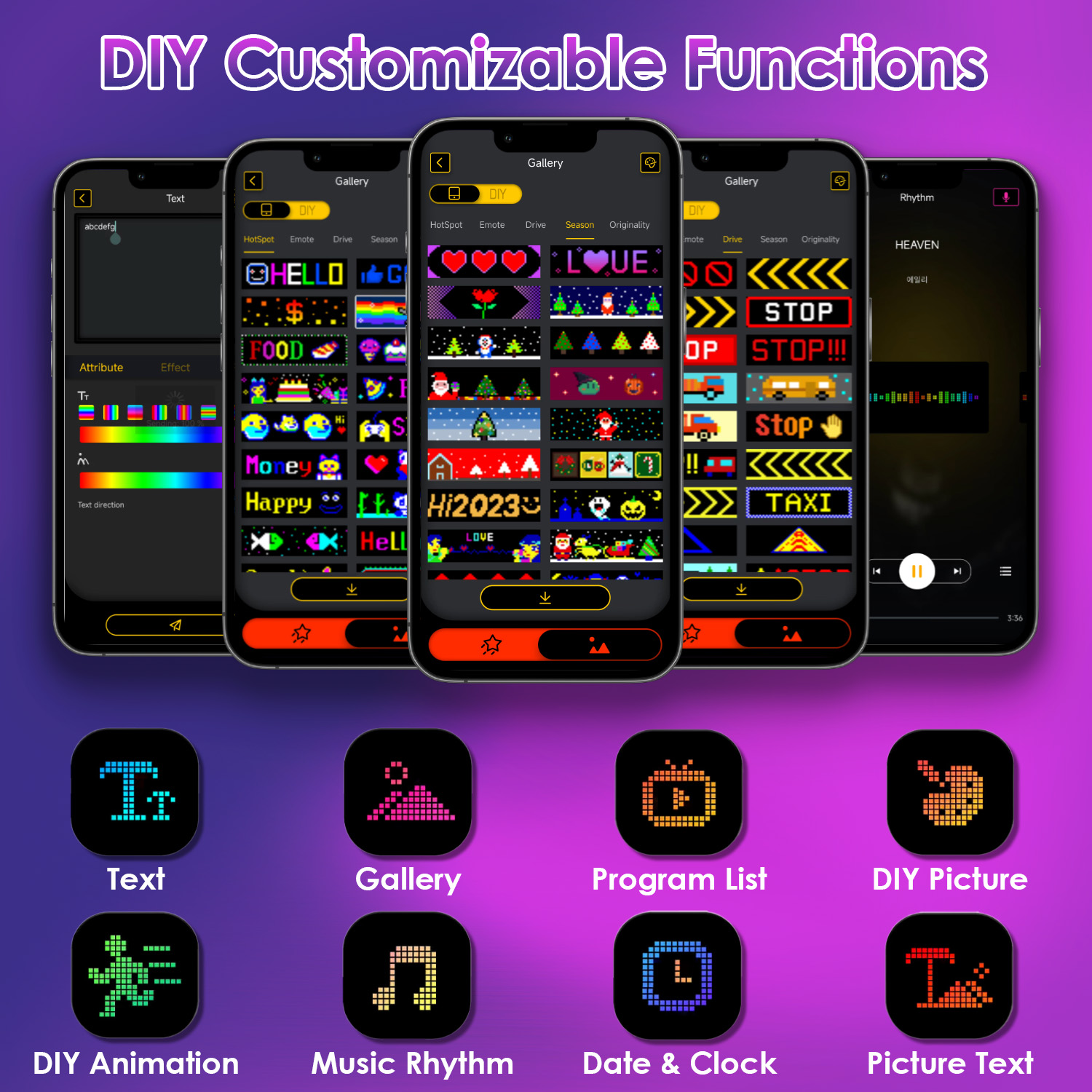
Installation: 1. Remove the protective film from the LED screen. Attach the adhesive tape to the back of the screen,remove the film,and install the screen on your desired surface. Please make sure the surface is smooth. Operation: 1. Connect the USB controller cable to the Type-C input port of the screen. Plug the USB cable into a standard 5V/2A power source. Turn on the light by flipping the switch on the USB controller cable. Download the "iPixel Color" app,enable Wireless Mode on your phone,and press the “+” icon in the app to connect the device. Customize the text direction,playing effects,brightness,and flashing speed as per your preferences. If the screen displays Chinese,ensure the app language is set to English. Go to the "Remote Control" icon,select any pattern on the "Remote Control" page,and then use the physical remote to switch patterns. This will update the screen to display English. Note that the app can connect to only one screen at a time. To control two screens,use the app for one and the remote for the other. If a screen displays Chinese,connect it to the app to update the text to English,then disconnect. You can then control it with the remote while it displays English. Friendly Reminder: 1. Connect the screen to a standard 5V/2A power source to ensure proper functionality. Flip the switch on the USB controller cable to turn on the screen after connecting it to the power source. You may use your own Type-C USB cable,but ensure it is compatible with a 5V/2A input. When storing the screen,fold the front inward to avoid excessive bending. Avoid rolling the front outward excessively,as this may cause the adhesive or circuit to crack. Do not place heavy objects on the screen. Keep this product away from children to prevent accidental ingestion. *Specifications*.
No reviews yet.
Sign in to review a product you have bought.